Aion 2 Player ESP
Boxes, skeleton, health, nameplate, class, level, faction, distance and flight state.
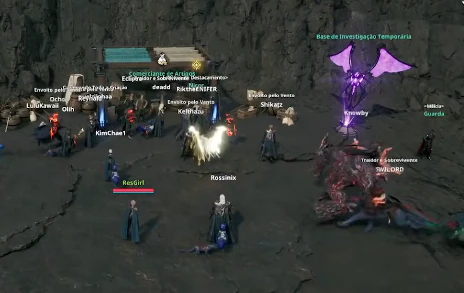
At a glance
Key capabilities
What Player ESP focuses on before you open the full module list.
Plus 8 additional listed options — see the full list below.
Overview
Aion 2 player ESP
How this build fits ranked, Zero Build, and patch-day workflows.
Each visual is a display toggle. Faction labels follow the game’s Elyos, Asmodian and Balaur sides. Class and level come from the listed nameplate options.
Flying / grounded state matters in Aion 2 because many fights start in the air. Out-of-screen arrows help when someone leaves your FOV; they do not track through loading screens or instances you are not in.
Player ESP draws other characters on your screen using the listed display elements. You choose which labels appear: boxes, skeleton, head circle, health, name, class, level, faction, distance, facing and whether they are flying or on the ground.
Readability over clutter
Max ESP Distance and out-of-screen arrows help when the field is crowded. Turning every label on at once is usually harder to read in aerial PvP than a smaller set of boxes, faction and health.
Included player visuals
Player ESP, Box Styles (Full / Corner), Skeleton, Head Circle, Health Bar, Nameplate, Class / Job, Level, Faction (Elyos / Asmodian / Balaur), Distance, View Direction, Flying / Grounded State, Out of Screen Arrows and Max ESP Distance.
Related articles
See [player ESP explained](/blog/aion-2-player-esp-explained/), [box and skeleton](/blog/aion-2-skeleton-and-box-esp/) and [faction ESP](/blog/aion-2-faction-esp/).
Modules
What's included
Every listed module for Player ESP. Toggle and save layouts after you have seller access.
- Player ESP
- Box Styles (Full / Corner)
- Skeleton
- Head Circle
- Health Bar
- Nameplate
- Class / Job
- Level
- Faction (Elyos / Asmodian / Balaur)
- Distance
- View Direction
- Flying / Grounded State
- Out of Screen Arrows
- Max ESP Distance
Experience
In the client · After you buy
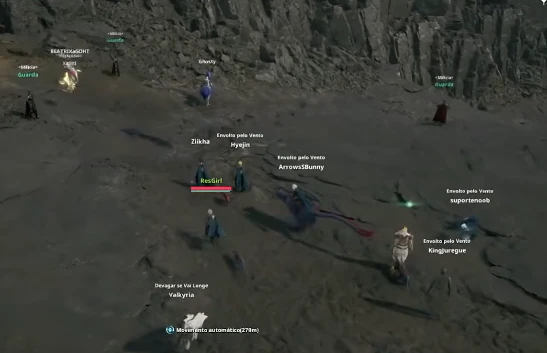
Use the screenshots above for Player ESP—below is what each layer means and how access works after checkout.
In-game layers
- Layer A
Hub activity
Busy hubs where name, faction and NPC ESP matter.
- Layer B
Encounters
Boss and elite tracking during instance content.
- Layer C
PvP & PvE
Combat assistance and target clarity in engagements.
Guides
Learn more about Player ESP
Curated articles for setup, tuning, and patch-day checks that match this product.
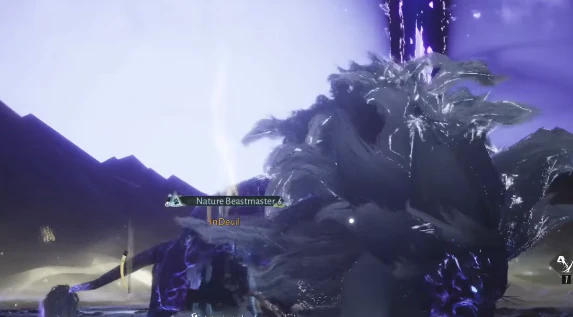
How Aion 2 player ESP uses boxes, skeleton, health, class, faction and flight state — as display options, not extra hacks.
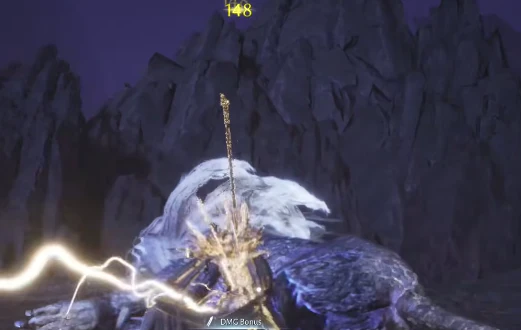
Full versus corner boxes, skeleton ESP and head circle — how the drawing styles differ.
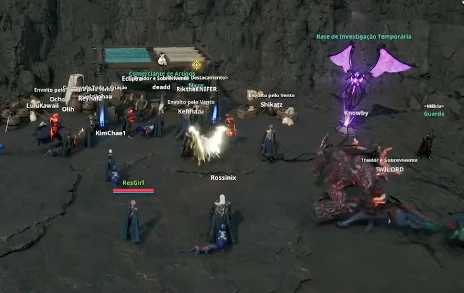
Health bar, nameplate, class/job and level labels on Aion 2 player ESP.
Elyos, Asmodian and Balaur labels on player ESP and radar — tied to how the game actually splits sides.
What the documented Aion 2 cheat product includes — aim assist, ESP, aerial markers, radar — and what it does not claim to do.
A map of every supplied Aion 2 cheat module, grouped so related options stay on one page instead of thin duplicates.
Cheat FAQ
Aion 2 cheats questions
Straight answers on aim assist, ESP, account risk and checkout — see the full FAQ for every topic.