Aion 2 Cheat Settings
Stream-proof overlay, combat mode, colors, crosshair, menu/panic keys and config save/load.
At a glance
Key capabilities
What Customization focuses on before you open the full module list.
Plus 3 additional listed options — see the full list below.
Overview
Aion 2 overlay and config options
How this build fits ranked, Zero Build, and patch-day workflows.
Combat Mode hides world ESP so PvP visuals stay cleaner. Custom colors, including visible versus hidden colors, are appearance settings.
Save/load configs let you keep a gathering layout and a combat layout. Stream-proof overlay and the panic key are interface controls, not safety guarantees.
Customization covers overlay behavior and input: stream-proof overlay, combat mode, crosshair, ESP colors including visible versus hidden colors, custom menu key, custom panic key and config save/load.
Display tools are not account safety
Stream-proof overlay is meant to keep drawings off some capture software. A panic key hides or closes the menu. Neither is a statement that the product is undetected, unbannable or safe for a main account.
Included miscellaneous options
Stream-Proof Overlay, Combat Mode (Hide World ESP), Custom Crosshair, Custom ESP Colors, Visible / Hidden Colors, Custom Menu Key, Custom Panic Key and Config System (Save / Load).
Related articles
See [stream-proof overlay](/blog/aion-2-stream-proof-overlay/) and [combat mode and configs](/blog/aion-2-combat-mode-and-config/).
Modules
What's included
Every listed module for Customization. Toggle and save layouts after you have seller access.
- Stream-Proof Overlay
- Combat Mode (Hide World ESP)
- Custom Crosshair
- Custom ESP Colors
- Visible / Hidden Colors
- Custom Menu Key
- Custom Panic Key
- Config System (Save / Load)
Experience
In the client · After you buy
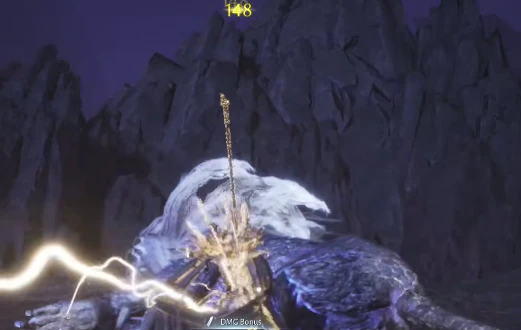
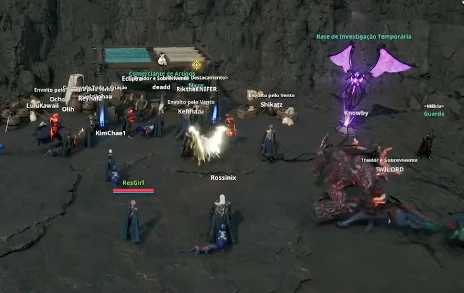
Use the screenshots above for Customization—below is what each layer means and how access works after checkout.
In-game layers
- Layer A
Combat
In-fight overlays for targets, buffs and damage feedback.
- Layer B
Zone overview
Wide-area awareness for flight and open-field PvP.
- Layer C
Encounters
Boss and elite tracking during instance content.
Guides
Learn more about Customization
Curated articles for setup, tuning, and patch-day checks that match this product.
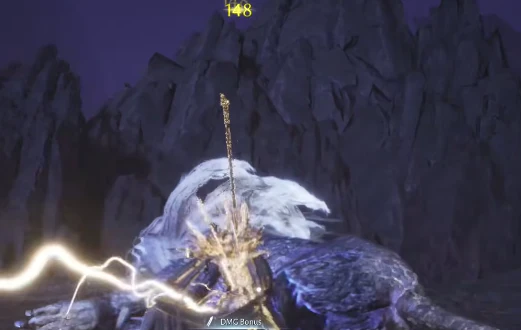
Custom ESP colors, visible versus hidden colors and why palette choice is readability — not stealth.
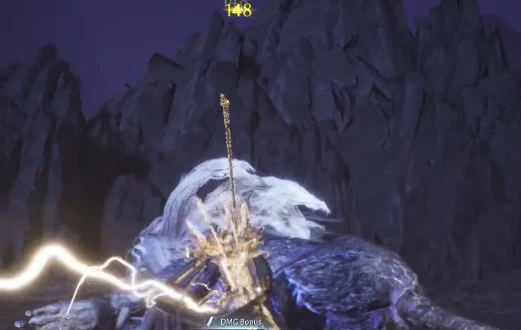
What stream-proof overlay is for (capture hiding) and what it is not (anti-cheat proof).
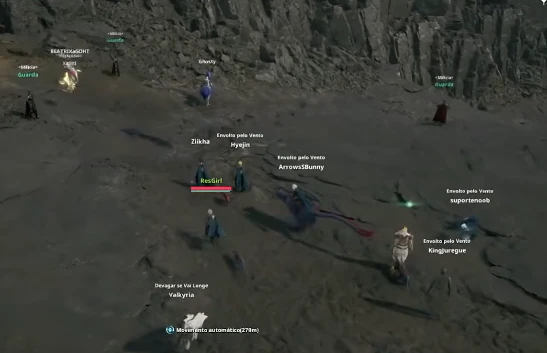
Combat Mode hides world ESP. Custom keys and save/load configs keep PvP and gathering layouts apart.
What the documented Aion 2 cheat product includes — aim assist, ESP, aerial markers, radar — and what it does not claim to do.
A map of every supplied Aion 2 cheat module, grouped so related options stay on one page instead of thin duplicates.
How the supplied Aion 2 aim assist options work together: soft aim, key, FOV, smoothness, bones and filters.
Cheat FAQ
Aion 2 cheats questions
Straight answers on aim assist, ESP, account risk and checkout — see the full FAQ for every topic.