Aion 2 Aim Assist
Soft aim, aim key, FOV, smoothness, bone selection, visibility check and faction filters.
At a glance
Key capabilities
What Aim Assist focuses on before you open the full module list.
Plus 5 additional listed options — see the full list below.
Overview
Aion 2 aim assist options
How this build fits ranked, Zero Build, and patch-day workflows.
Soft aim is optional and key-gated. FOV, smoothness, bone choice and visibility checks decide how often assist engages — not a hidden hard-lock.
Friendly faction and party/alliance filters reduce friendly fire on Elyos or Asmodian teammates. Draw FOV and the target line are on-screen indicators only.
Aion 2 aim assist on this product is a set of soft-aim controls: a toggle, an activation key, field of view, smoothness, bone selection and filters. People searching for an Aion 2 aimbot usually mean this assistive targeting — the supplied list does not describe a hard-lock that ignores visibility or always snaps to a bone.
What the sliders actually do
Aim FOV limits where assist can pick a target. Aim Smooth changes how quickly the aim point moves. Max Aim Distance stops assist beyond a range you set. Draw FOV and Draw Target Line are visual helpers, not extra targeting logic.
Included aim options
Enable Soft Aim, Aim Key, Aim FOV, Aim Smooth, Bone Selection (Head / Chest / Closest), Visible Check, Ignore Friendly Faction, Ignore Same Party / Alliance, Draw FOV, Draw Target Line and Max Aim Distance.
Related articles
See [Aion 2 aim assist explained](/blog/aion-2-aim-assist-explained/), [soft aim settings](/blog/aion-2-soft-aim-settings/) and [FOV and smoothness](/blog/aion-2-aim-fov-and-smoothing/).
Modules
What's included
Every listed module for Aim Assist. Toggle and save layouts after you have seller access.
- Enable Soft Aim
- Aim Key
- Aim FOV
- Aim Smooth
- Bone Selection (Head / Chest / Closest)
- Visible Check
- Ignore Friendly Faction
- Ignore Same Party / Alliance
- Draw FOV
- Draw Target Line
- Max Aim Distance
Experience
In the client · After you buy
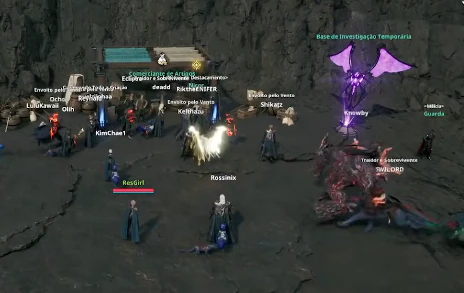
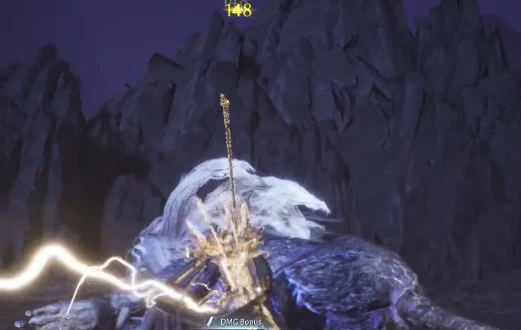
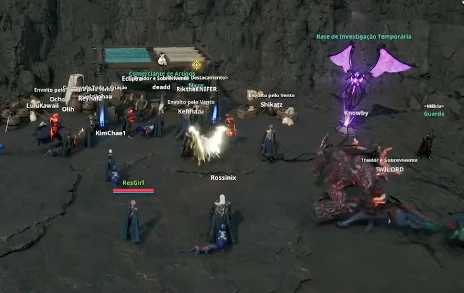
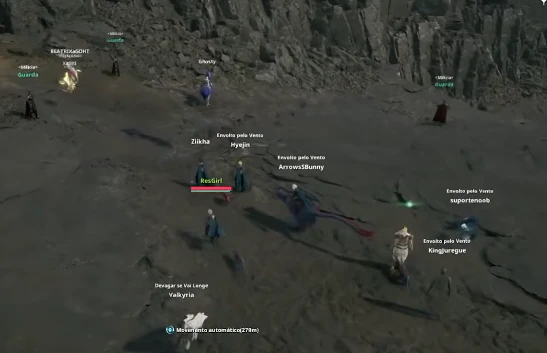
Use the screenshots above for Aim Assist—below is what each layer means and how access works after checkout.
In-game layers
- Layer A
Hub activity
Busy hubs where name, faction and NPC ESP matter.
- Layer B
PvP & PvE
Combat assistance and target clarity in engagements.
- Layer C
Open world
Player ESP and radar context in crowded outdoor zones.
Guides
Learn more about Aim Assist
Curated articles for setup, tuning, and patch-day checks that match this product.
How the supplied Aion 2 aim assist options work together: soft aim, key, FOV, smoothness, bones and filters.
A practical order for turning on Aion 2 soft aim without inventing extra targeting modes.
What Aim FOV, Aim Smooth and Max Aim Distance do on the Aion 2 cheat menu — without fake “optimal” numbers.
Head, chest or closest bone selection, plus Visible Check, friendly faction and party filters.
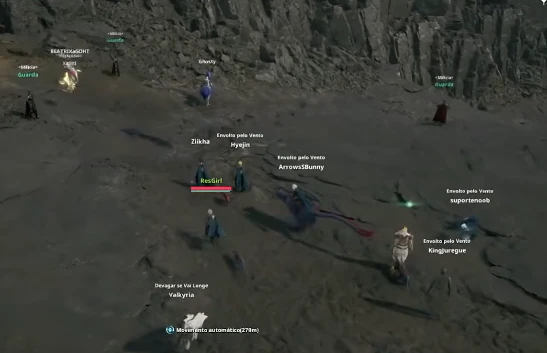
What the documented Aion 2 cheat product includes — aim assist, ESP, aerial markers, radar — and what it does not claim to do.
A map of every supplied Aion 2 cheat module, grouped so related options stay on one page instead of thin duplicates.
Cheat FAQ
Aion 2 cheats questions
Straight answers on aim assist, ESP, account risk and checkout — see the full FAQ for every topic.